Use or replace two portraits
Start with the template pair, or add your own clear photo for either performer.
Choose a scene, then use its cast or add your own portraits.
Original-style video and newly generated audioTwo friends trade lines beneath a single hanging mic.
Pick a stage direction. Its preview and both example portraits appear in the generator above.
Each scene includes two fictional performer portraits. Replace either one with your own photo before generating.
Start with the template pair, or add your own clear photo for either performer.
Pick an original stage template to set the look and both example portraits.
We direct a new orange-stage performance with a hanging mic and expressive gestures.
Watch the finished video in your chosen format and save the MP4.
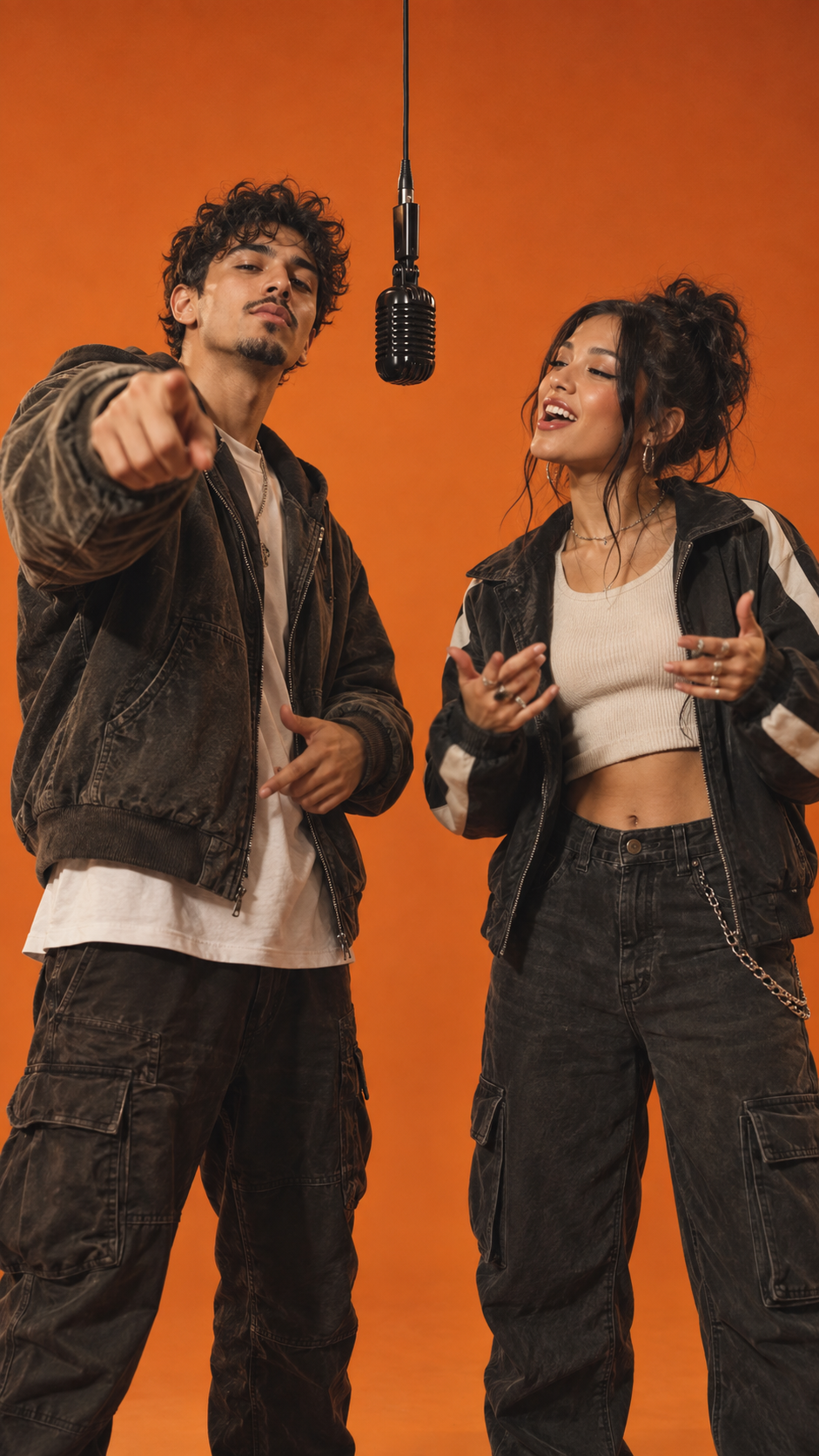
A saturated backdrop, soft frontal light, and one microphone suspended between your duo.
Head bobs, verse-trading energy, and the camera-pointing gesture that makes this format recognizable.
A new soundtrack accompanies your clip. The original Migos recording is not included.
Choose portrait, landscape, or square output for your next post.
Preview and save the result when processing finishes. Timing depends on the model queue.
Want to try the idea in another tool? Copy the direction and add two reference portraits.
Two distinct performers stand side by side in a flat burnt-orange studio. One black microphone hangs between them. The left performer begins with a confident look into the lens; the right performer answers with a head nod. They alternate energetic, camera-facing gestures and point toward the lens. Soft frontal light, single continuous take, vertical 9:16 framing, original hip-hop backing beat. Preserve each performer’s face and outfit. Do not imitate an existing recording or real artist.
TEMPLATE DIRECTION · 9:16A Hotel Lobby AI filter changes a live camera view or still. This generator makes a new moving performance from two portraits, with the stage and framing already directed.
Give your group chat its own duet.
A matching pair with main-character energy.
Imagine your original characters on the mic.
Turn the office duo into the running joke.
This generator does not offer free video renders. An active paid plan is required. You can copy the free prompt on this page and try it in a video tool of your choice.
Yes. Each original scene template fills the left and right performer slots with example portraits. Replace either image with your own, then start your render. A copyable prompt is available below if you prefer another tool.
Describe a flat orange studio, one hanging microphone, two performers alternating expressive camera-facing gestures, frontal lighting, and a vertical frame. Use the complete copyable prompt below as a starting point.
A filter changes a live camera view or still image. This tool creates a short generated video from portraits. If you only want a filter, use a camera app with live effects.
This duet workflow needs two portraits so the left and right roles remain distinct. Each template provides two example images, so you can replace just one. You may also use two different photos of the same person if you have permission to use them.
No. This is an original-style video with newly generated audio. The original recording is not included; add music only if you have the rights to use it.
Generation time varies with the model queue and image complexity. Your job status appears on the page while the video is processing.
Use clear photos of people who agreed to appear, or characters you have the rights to use. Avoid impersonating someone or implying that a real artist endorses the result.